Browse our selection of the best inkjet printers. Whether you're a home user, student, freelancer, or business owner, we organize specs on print quality, speed, running costs, connectivity, and overall value to help you compare and decide.
Below you'll find our full product listings, a comparison table, and a buying guide to help you choose the right printer.
All Inkjet Printers
10 ProductsBrowse every inkjet printers we carry — click Add to Cart to order directly.
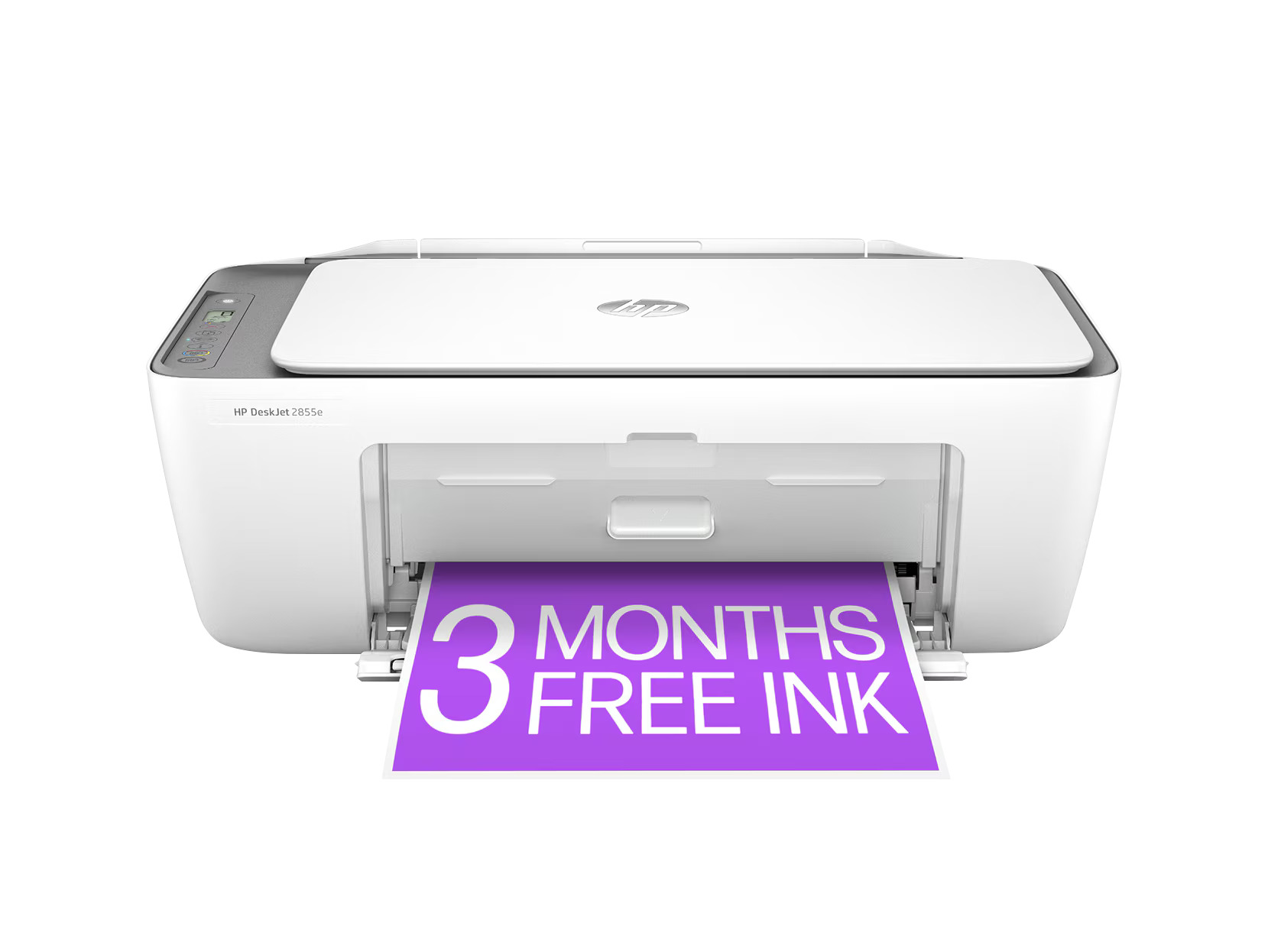
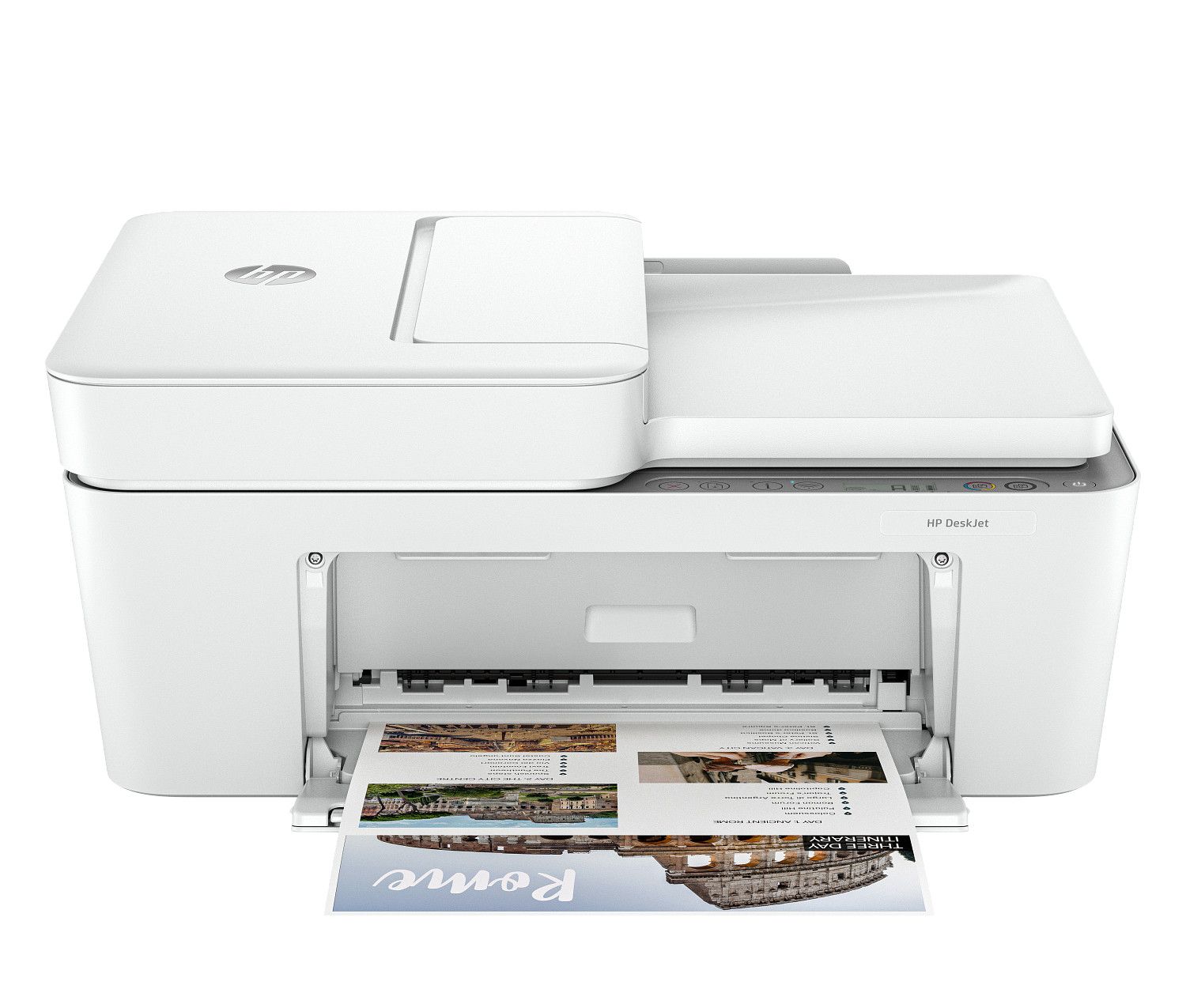
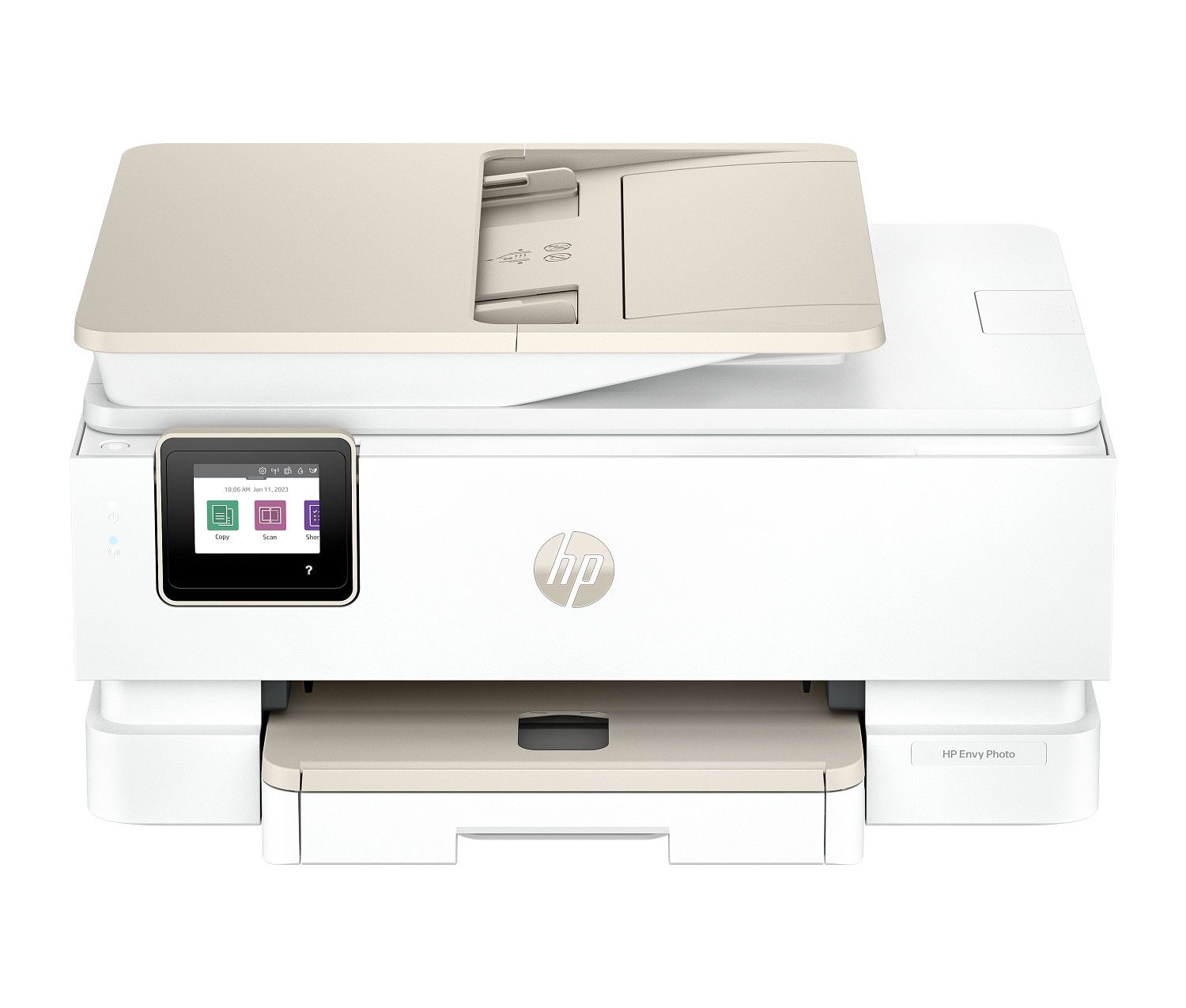
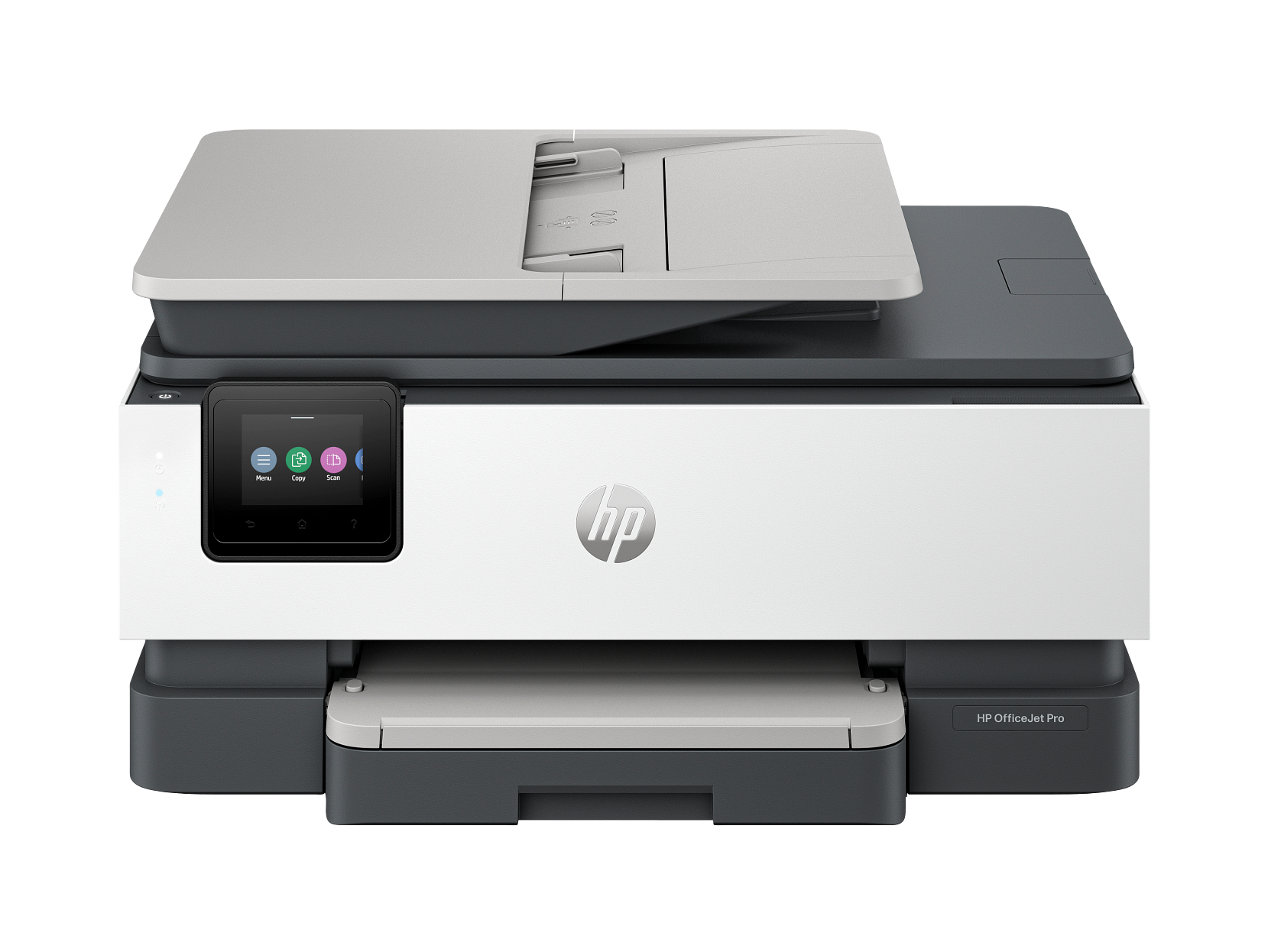
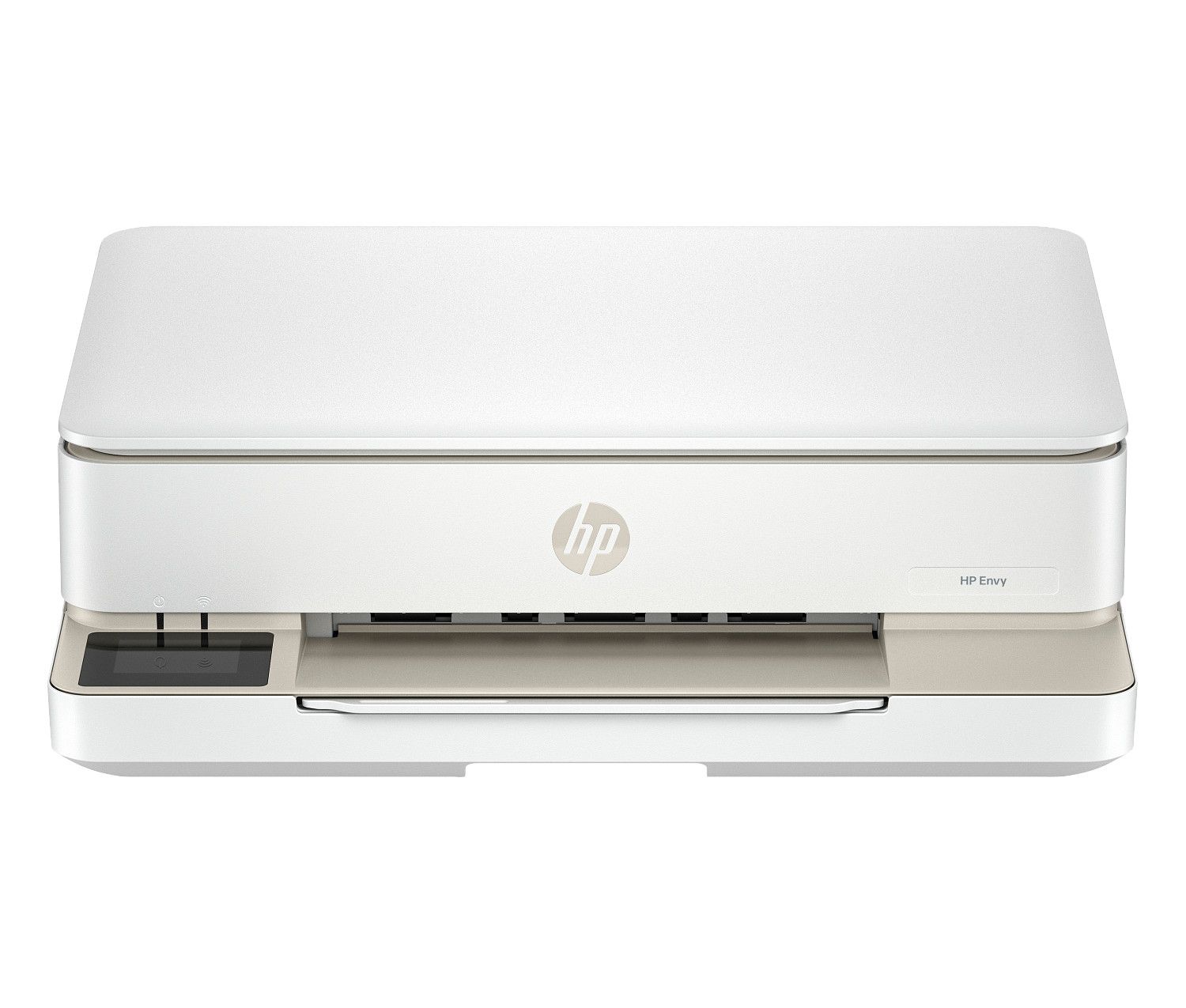
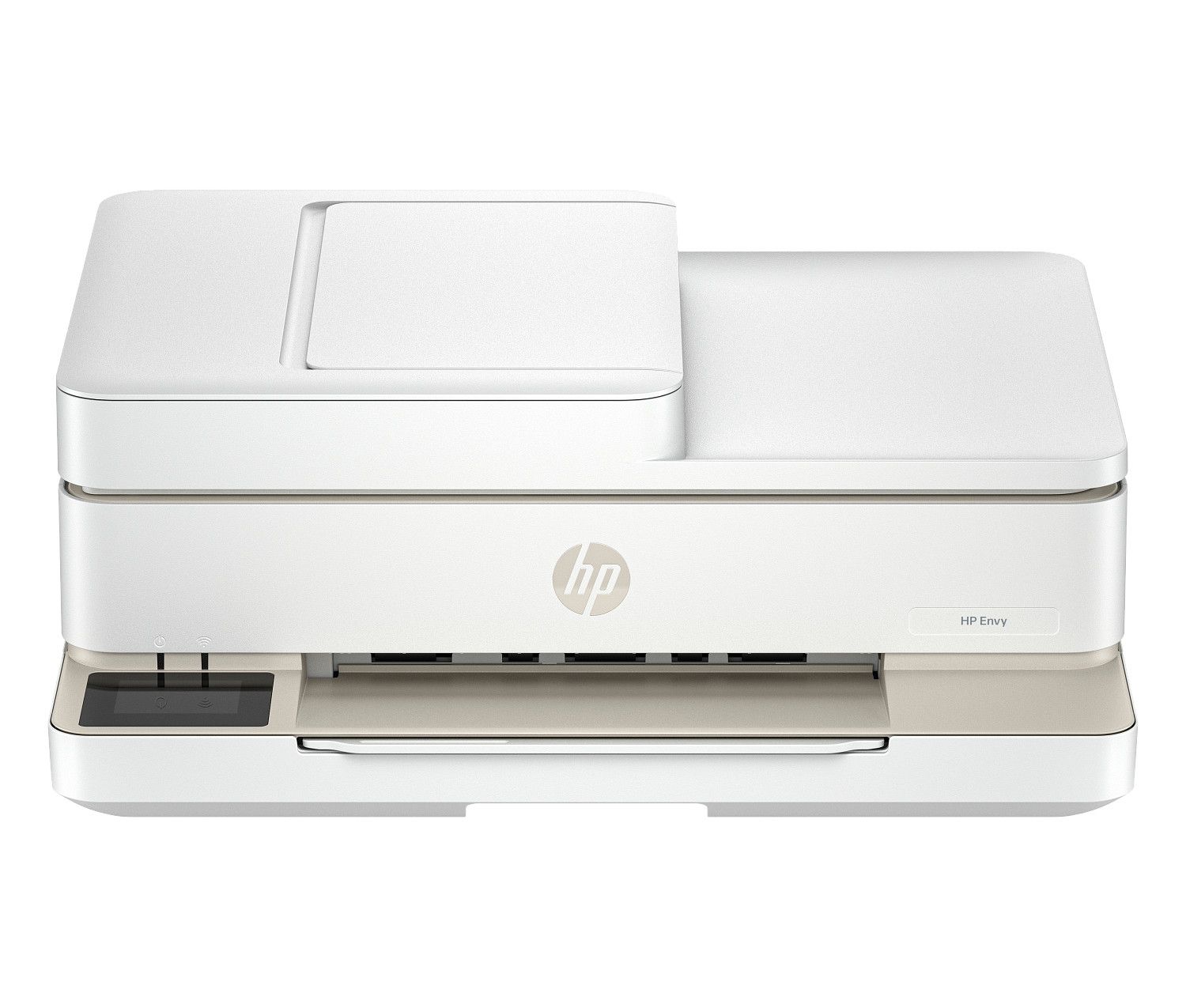
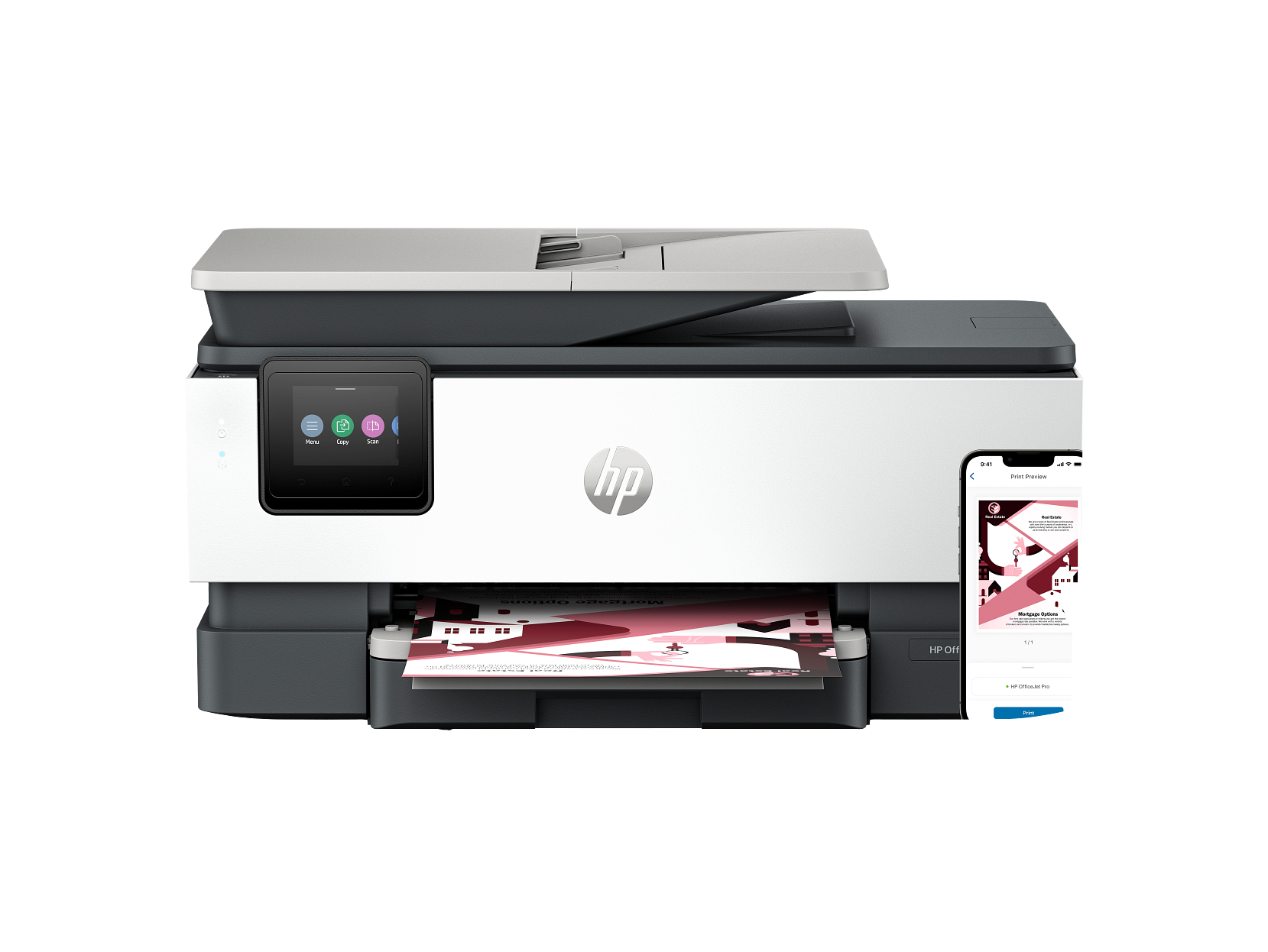
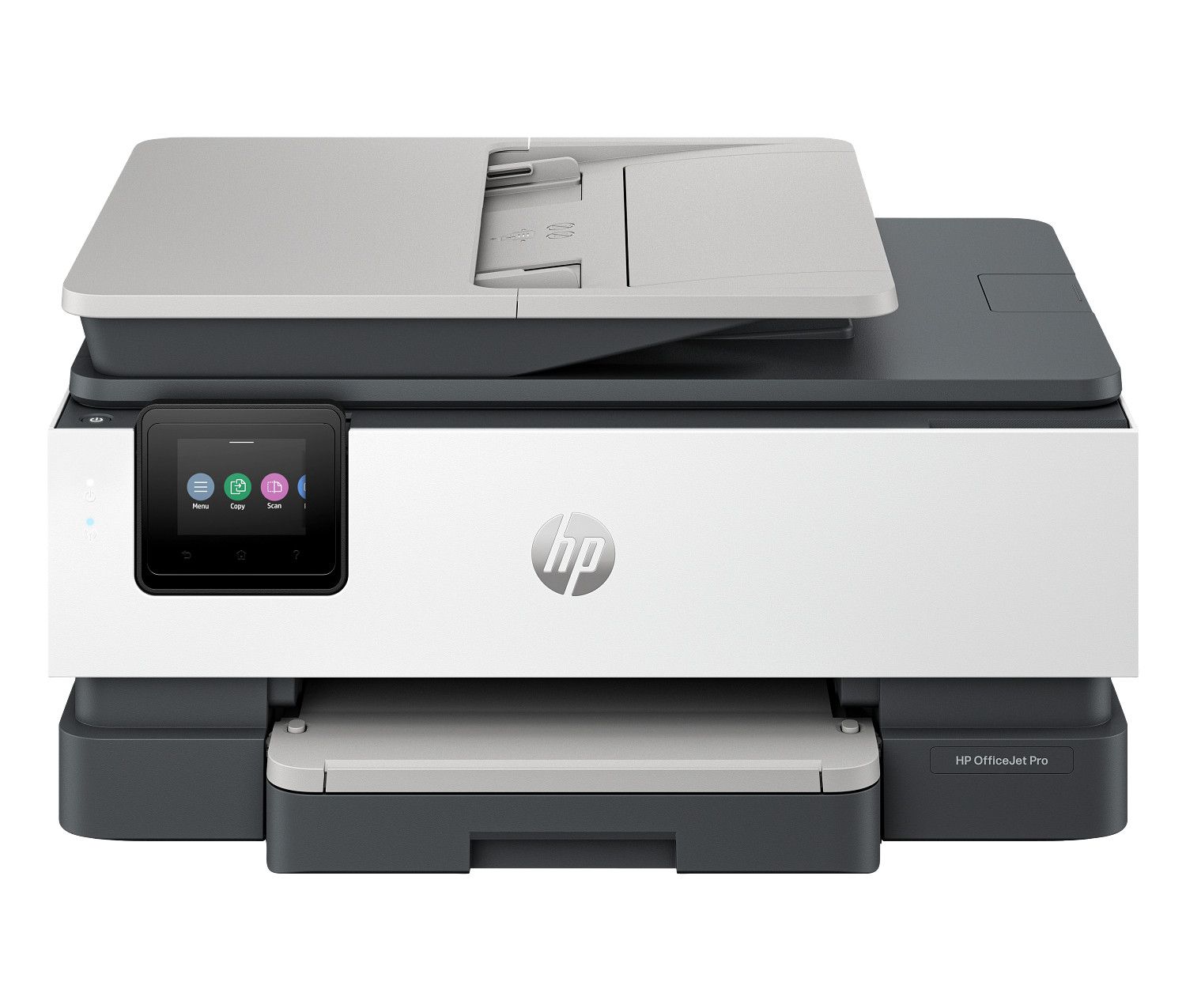
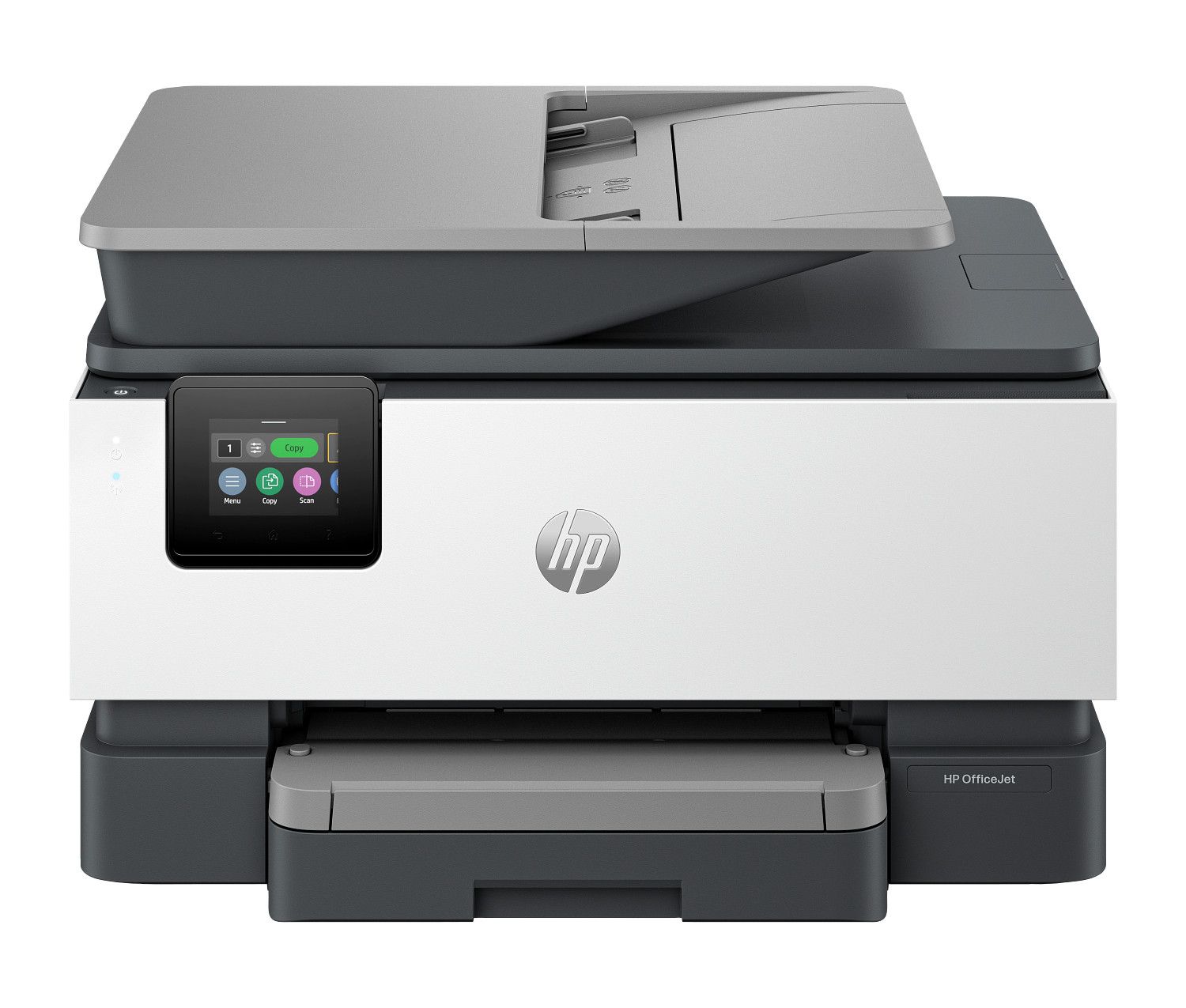
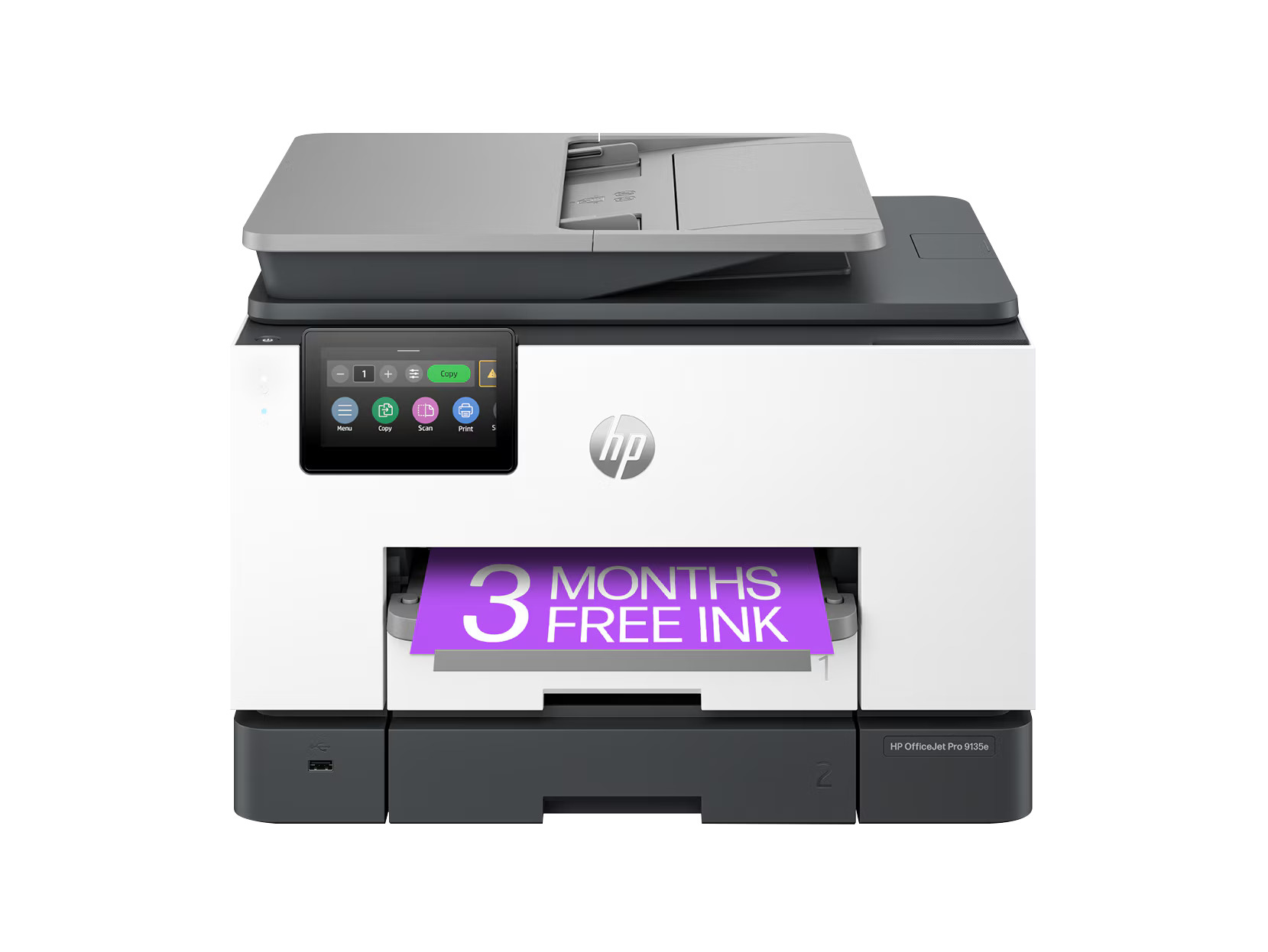
Compare the Best Inkjet Printers
Use this comparison table to evaluate the key specs of these inkjet printers:
| Printer | Price | Rating | Type |
|---|---|---|---|
| HP DeskJet 2855e Wireless All-in-One Color Inkjet Printer with Print, Scan & Copy for Home Use | $49.99 | 4.5/5 | — |
| HP DeskJet 4255e Wireless All-in-One Color Inkjet Printer with Print Scan Copy | $49.99 | 4.5/5 | — |
| HP Envy Photo 7975 All-in-One Printer with free 3 Months of Instant Ink, AI-enabled | $169.99 | 4.5/5 | — |
| HP OfficeJet Pro 8135e Wireless All-in-One Printer with 3 Months of Instant Ink for free with HP+, AI-enabled | $239.99 | 4.5/5 | — |
| HP Envy 6155e All-in-One Printer w/free 3 months Instant Ink through HP+, AI-enabled | $79.99 | 4.5/5 | — |
| HP Envy 6555e All-in-One Printer with 3 Months of Instant Ink for free with HP+, AI-enabled | $179.99 | 4.5/5 | — |
| HP OfficeJet Pro 8125e All-in-One Printer with 3 Months of Instant Ink for free with HP+, AI-enabled | $139.99 | 4.5/5 | — |
| HP OfficeJet Pro 8139e Wireless All-in-One Printer with 1 Full Year Instant Ink with HP+, AI-enabled | $229.99 | 4.5/5 | — |
| HP OfficeJet Pro 9125e All-in-One Printer with 3 Months of Instant Ink for free with HP+, AI-enabled | $219.99 | 4.5/5 | — |
| HP OfficeJet Pro 9135e Wireless All-in-One Printer with 3 Months of Instant Ink for free with HP+, AI-enabled | $329.99 | 4.5/5 | — |
What to Look for in Inkjet Printers
Choosing the right inkjet printers requires understanding several key factors:
Print Quality
Print resolution is measured in DPI (dots per inch). For text documents, 600 DPI is standard. For photo printing, look for 1200 DPI or higher. Laser printers generally produce crisper text; inkjet printers tend to excel at color and photo output. Many inkjet printers balance quality across both text and graphics.
Print Speed
Print speed is rated in PPM (pages per minute). Entry-level inkjet printers typically print 10–15 PPM, while professional models can reach 30–40+ PPM. For high-volume printing, speed significantly impacts productivity. Note that rated speeds are often measured for single-sided text pages — real-world speeds may vary.
Running Costs
The cost per page (CPP) is often more important than the printer's purchase price. Calculate CPP by dividing the cartridge price by the rated page yield. Laser printers typically offer lower CPP for black-and-white text; inkjet EcoTank and supertank models dramatically reduce color printing costs.
Connectivity Options
Modern inkjet printers offer multiple connectivity options: WiFi (802.11n/ac), Bluetooth, Ethernet, USB, AirPrint (iOS), and manufacturer-specific mobile apps. Wireless connectivity is useful for multi-device households and offices.
Monthly Duty Cycle
The monthly duty cycle is the maximum number of pages a printer can handle per month. Home models typically support 500–2,000 pages/month; office models range from 5,000–30,000+ pages/month. Choose a printer whose duty cycle comfortably exceeds your typical usage.
Additional Features
Consider these extras: automatic duplex (two-sided) printing, flatbed scanner, ADF (automatic document feeder) for multi-page scanning, fax capability, memory card slots, USB drive printing, touchscreen display, and cloud storage integration.